

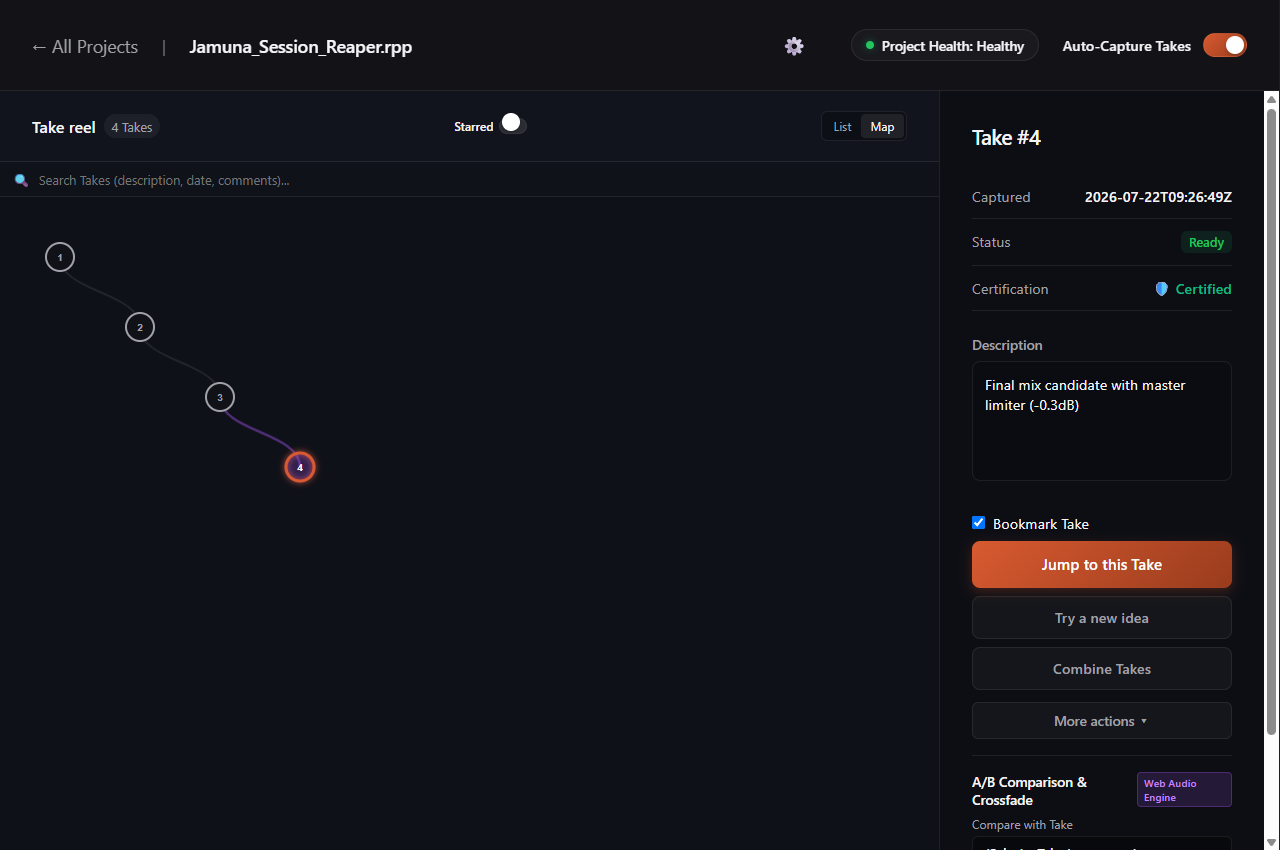
How Automatic Take Capture Operates
When you press Ctrl+S in your digital audio workstation, Sabes Pro's file-system watcher (fsnotify) detects the updated session file. Rather than duplicating your entire project directory, the engine indexes modified content blocks into an embedded local Kopia repository.
Verified Capabilities
- Asynchronous Background Monitoring: File watching operates on dedicated background Go goroutines, isolating indexing tasks from your workstation process.
- Deduplicated Storage Layer: Only modified session blocks are written to disk, avoiding redundant audio stem duplication across Takes.
- AES-256-GCM Encryption: All project states and metadata are encrypted at rest locally in your master repository.
Supported Workstations
Automatic Take capture is active across all 6 supported DAWs: REAPER, Ableton Live, FL Studio, Cubase, Nuendo, and Pro Tools.